MultiView Studio
A browser workspace that plays up to 36 local videos side by side, in sync, without uploading them.
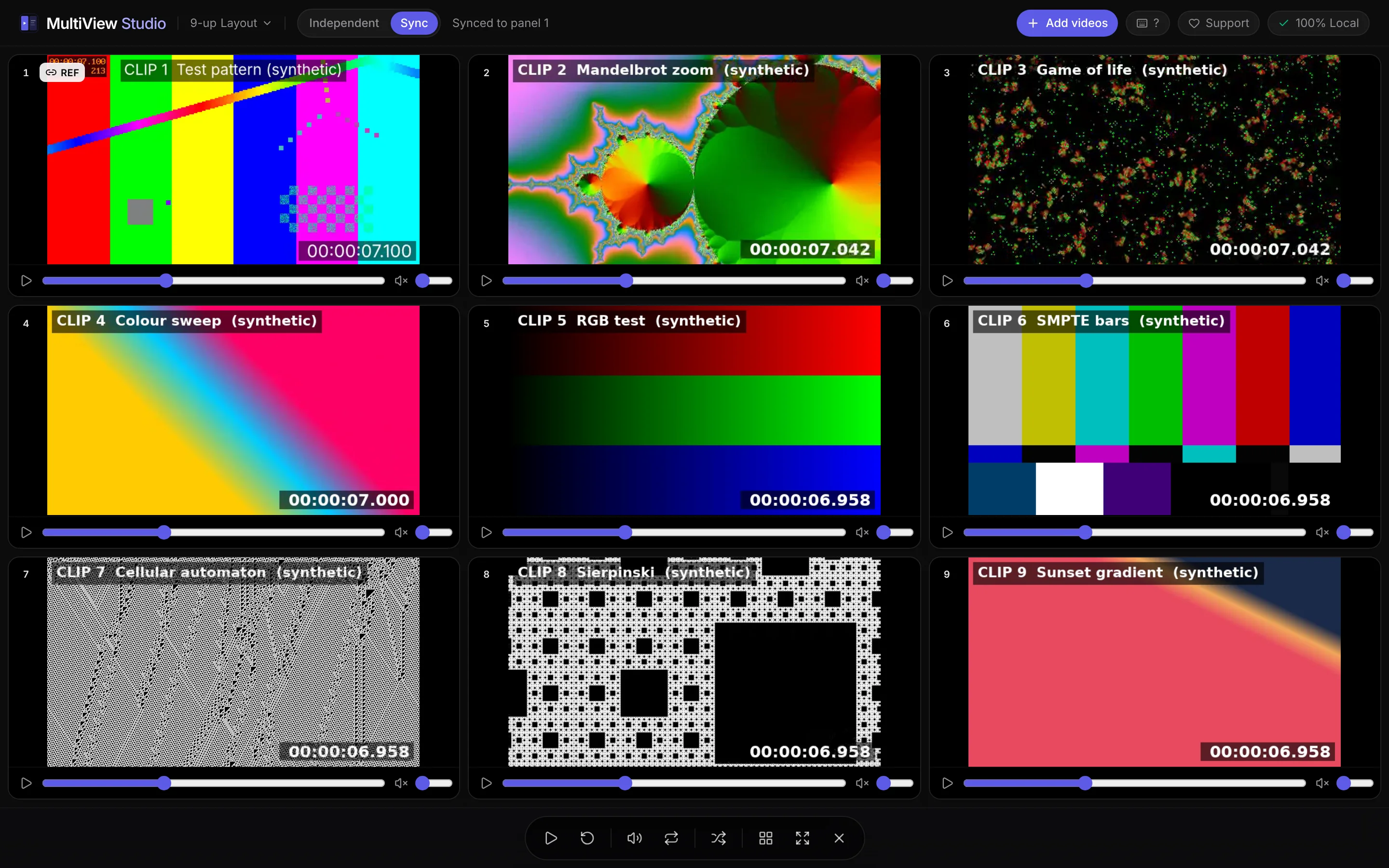
What it does
Compare video takes or AI-generated clips side by side.
Layouts from 1 to 36 panels
Sync mode keeps every panel aligned through play, pause and seek
Videos stay on your device; nothing is uploaded
Screens
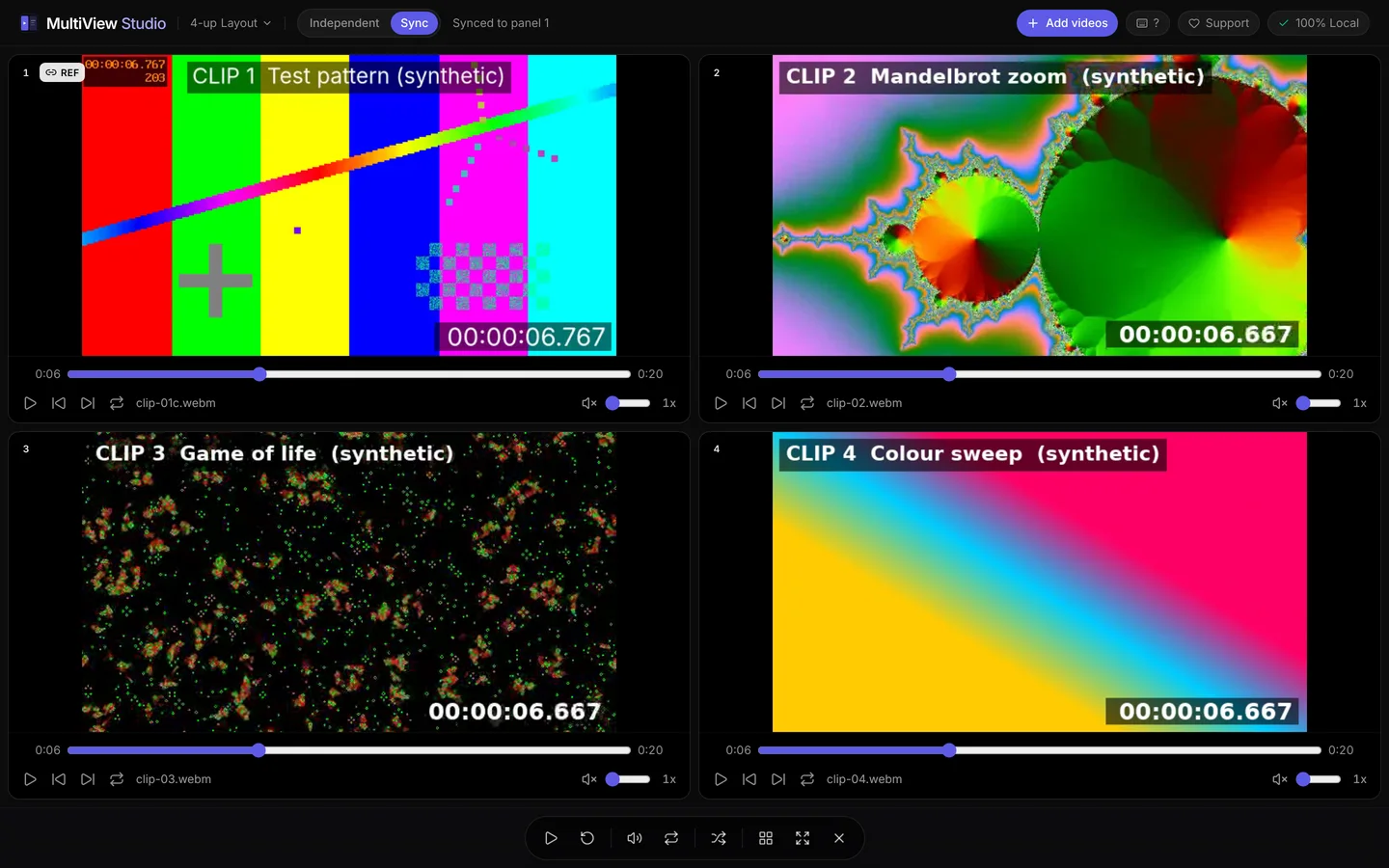
Four synthetic test clips in a synchronised 2 by 2 grid · Synthetic test clips 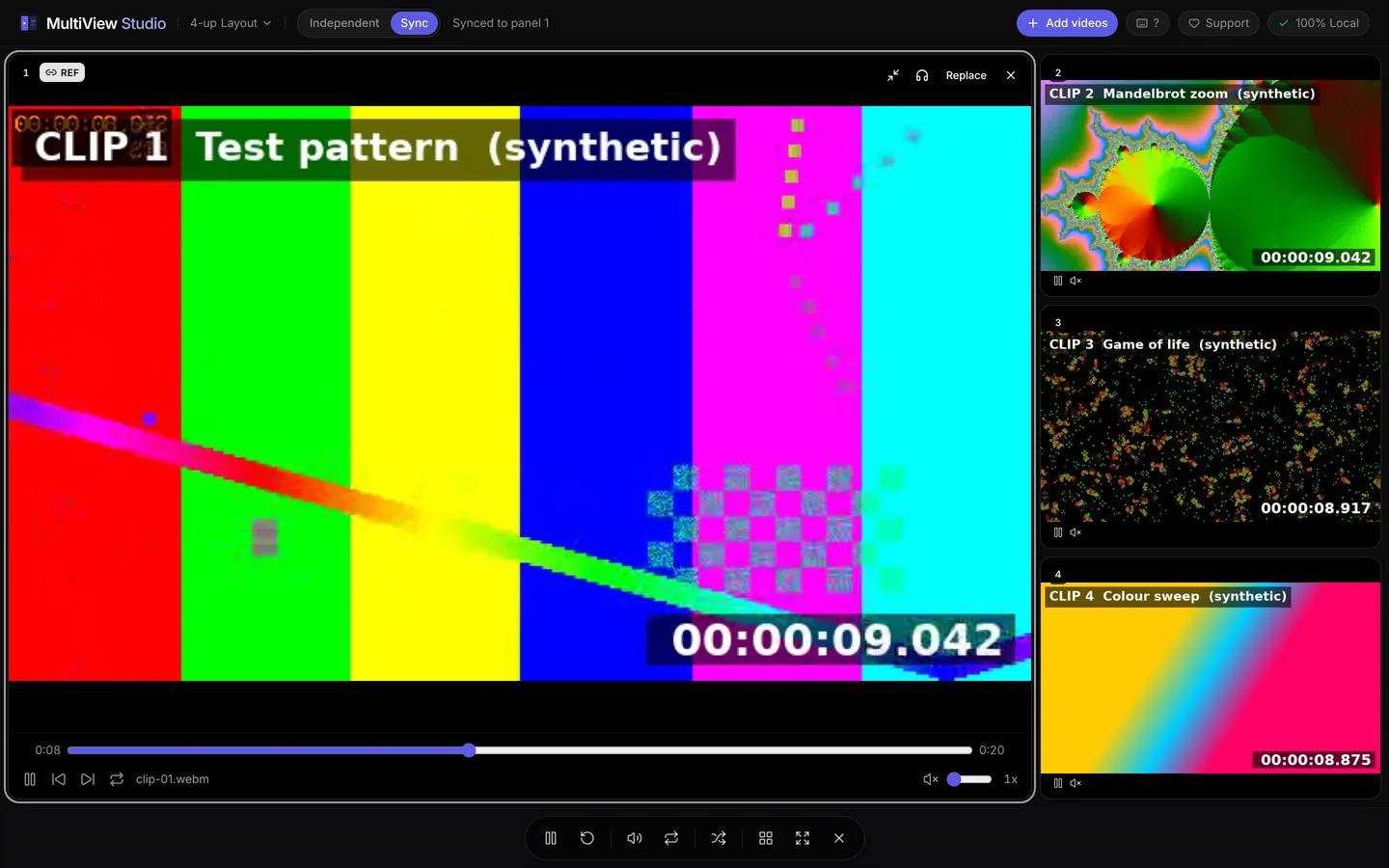
Focus view with one enlarged panel · Synthetic test clips
Where it stands
- Live. It plays video files from your own device; nothing is uploaded.
- Screenshots use synthetic test clips.
Questions
Are my videos uploaded anywhere?
No. MultiView Studio plays video files from your own device, and nothing is uploaded.
How many videos can it play at once?
Layouts run from 1 to 36 panels. In sync mode every panel stays aligned through play, pause and seek.
Do the screenshots show real footage?
No. The screenshots use synthetic test clips, so no one's footage appears on this page.
From the studio
The same care goes into the websites we build for clients.